
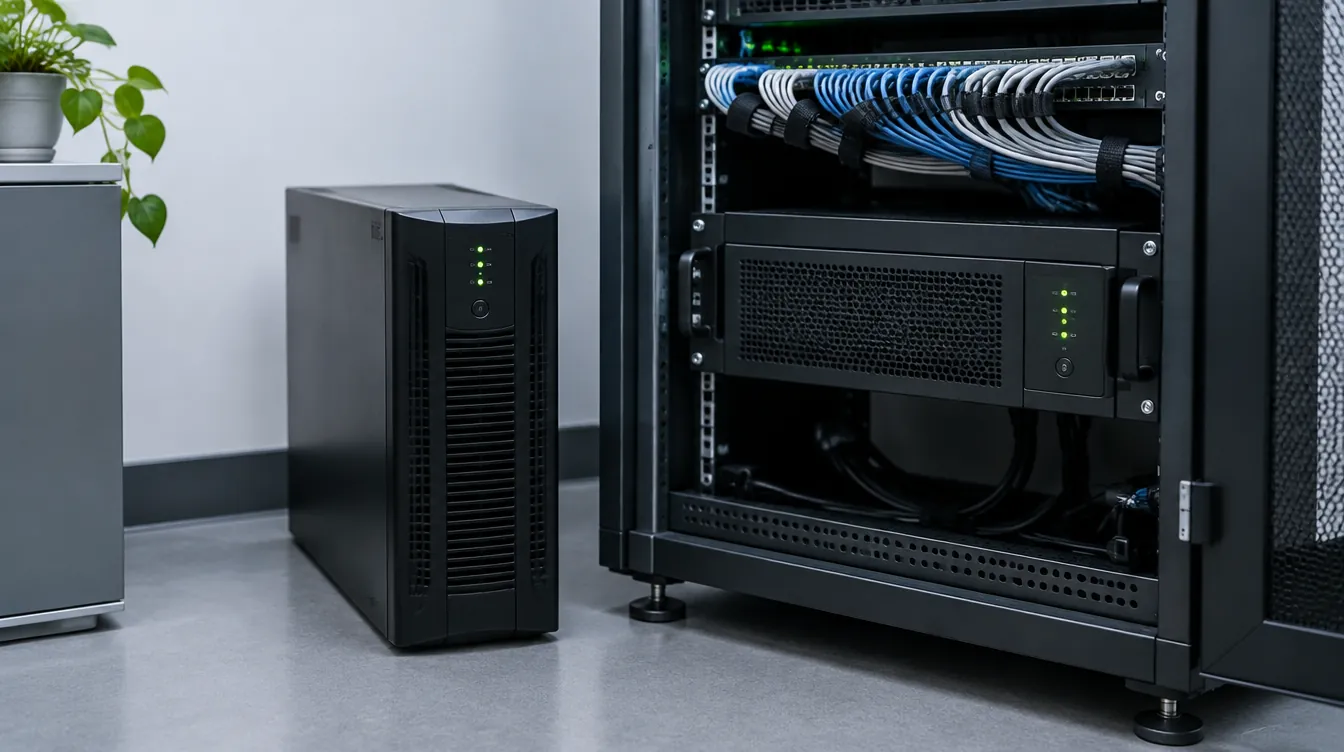
A power cut of a few seconds can shut down a computer, lose an unsaved file and leave the modem reconnecting for minutes; in a server room or clinic it means lost data. To weigh an online UPS vs offline UPS, look at the path each type uses to deliver power to the load.
What is an online UPS?
An online (double-conversion) UPS feeds your load all the time from its own inverter, not directly from the mains. A rectifier turns incoming AC into DC, the batteries are kept charged from this DC bus (usually through a charger), and the inverter builds clean, stable AC from it. When the mains fails, nothing changes on the output: only the inverter's energy source moves to the battery, so transfer time is practically zero. Most online models also have a static bypass that moves the load to mains if the inverter faults or is overloaded; protection is lost while on bypass, so take that alarm seriously.
Offline, line-interactive and online UPS compared
An offline (standby) UPS passes mains power to the load with light filtering and switches to the inverter by relay when power fails. The switch usually takes a few milliseconds: fine for a home PC and modem, a possible problem for sensitive equipment. It is simple, quiet and lower cost.

A line-interactive UPS adds automatic voltage regulation (AVR) that corrects sags and surges without using the battery, but still switches over in a full outage. An online UPS keeps the load isolated from grid disturbances, at the price of more heat, fan noise and losses.
| Feature | Offline | Line-interactive | Online double conversion |
|---|---|---|---|
| Normal power path | Directly from grid | Grid, with AVR | Always inverter |
| Transfer time | Yes, a few milliseconds | Yes, short | Practically zero |
| Voltage regulation | None | Moderate, no battery use | Full, continuous |
| Noise/distortion protection | Limited | Moderate | High |
| Fan noise and heat | Low | Low | Higher |
| Losses | Low | Low | Higher (two conversions) |
| Typical use | Home PC, modem, shop till | Office gear on unstable grid | Servers, medical, industrial control |
When do you need an online UPS?
The more sensitive the load and the costlier the downtime, the more online is worth: servers, network storage, clinic and lab devices, PLCs and anything that resets on a momentary sag. Models such as the Power Solid 3 kW online UPS are intended for server rooms and clinic equipment. If you only need the modem to stay up or a PC to shut down safely, offline is enough; Medal Power offline units in 1.5 and 3 kW suit small offices and shop tills. Line-interactive fits unstable voltage with less sensitive loads. To compare home options, see home backup power: UPS, inverter or generator.
UPS sizing: from total load to battery
Capacity is given as apparent power (VA) and real power (W). Real power equals VA times the power factor, which varies by model and is usually at most 1; read it on the datasheet. The load must stay below both limits.
Add up the watts of every device on the UPS, add a margin for growth and inrush, and compare with the UPS real power. Hypothetical example: a 400 W server, a 100 W switch and 100 W of storage total 600 W, so a unit with roughly 800 to 1000 W real power makes more sense than one rated at exactly 600 W. Large loads or three-phase supplies usually call for a three-phase UPS; leave the panel design to a qualified electrician.
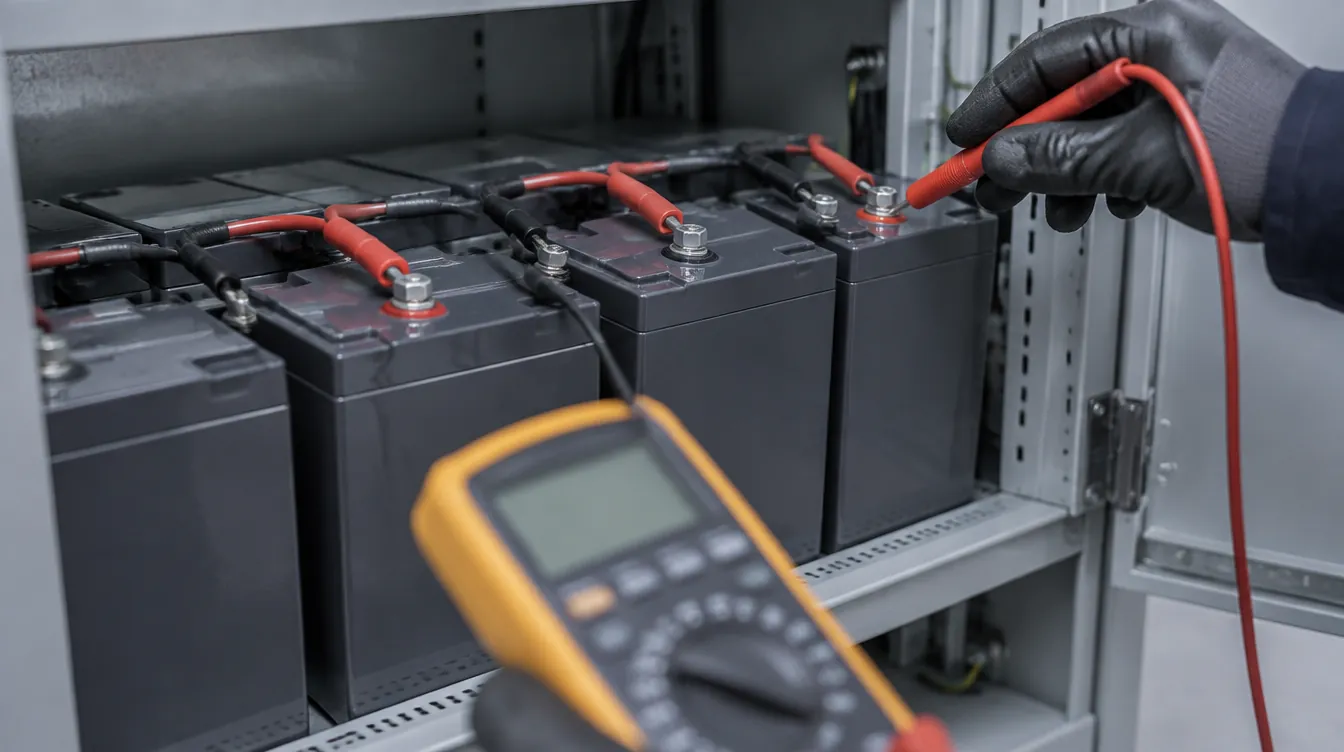
Battery energy is roughly nominal voltage times amp-hours. Hypothetical example: four 12 V 9 Ah batteries in series form a 48 V bank of about 48 × 9 = 432 Wh nominal; inverter losses, temperature, age and lead-acid behaviour at fast discharge make real backup shorter than energy divided by load. Most units use sealed lead-acid (VRLA/AGM) batteries; see our sealed lead-acid and gel UPS batteries. For longer backup, models like the Power Solid 10 kW online UPS with battery pack use an external battery cabinet.
Tower or rack-mount, and maintenance
Tower units stand by a desk; rack-mount units fit a server rack; rack/tower models such as the Power Solid Titanium RT 2kVA online UPS do both. Browse the UPS category. Keep the UPS cool, dry and ventilated, heed display alarms, and rely on self-tests or a technician to judge the battery. High-power, three-phase and external-battery installations must be done by a qualified electrician. Noora Tajdid Paziran supplies UPS units with an authenticity guarantee and official warranty, shipping from Tabriz; for wholesale or project pricing, send your load list through the request for quotation form.
Frequently asked questions
What is the main difference between an online and an offline UPS?
An offline UPS feeds the load from the mains and switches to the inverter only during an outage, so there is a short transfer time. An online UPS always runs the load on the inverter, with practically zero transfer time.
How do I calculate UPS capacity?
Add up all devices in watts, add a margin and compare with the UPS real power. If only VA is listed, multiply it by the power factor on that model's datasheet.
Do a modem and router need an online UPS?
Usually not. They draw little power and tolerate an offline UPS's short transfer time, so a mini UPS or small offline model is enough.
What does UPS backup time depend on?
Battery bank energy, the load, temperature and battery age. For long backup, choose a model that supports an external battery pack.